Need more accessibility? Let’s help

Mobile App Accessibility Testing Guide

Full Name
E-mail
Emulator Selection
Choose an emulator
App Name
Package Name
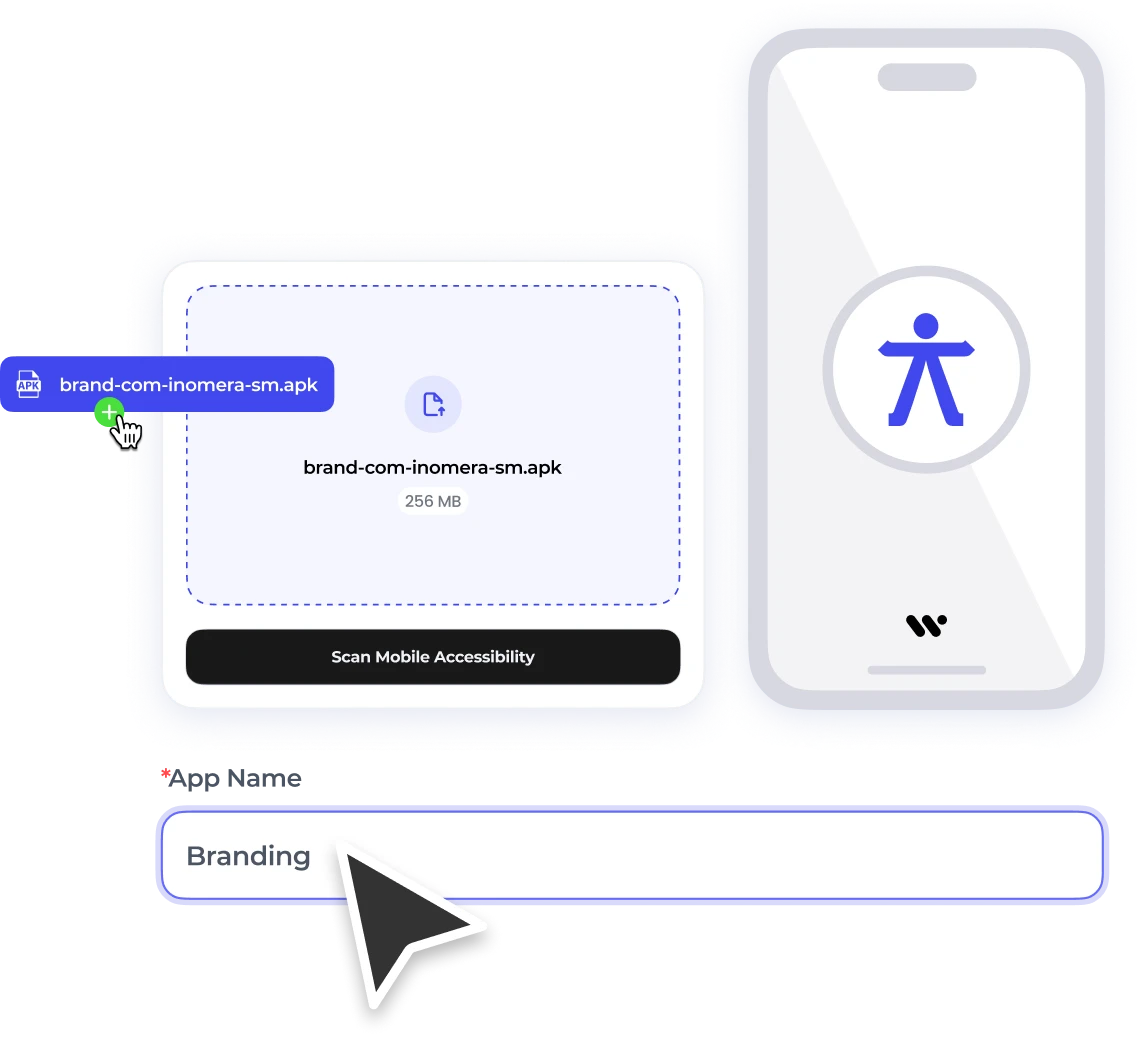
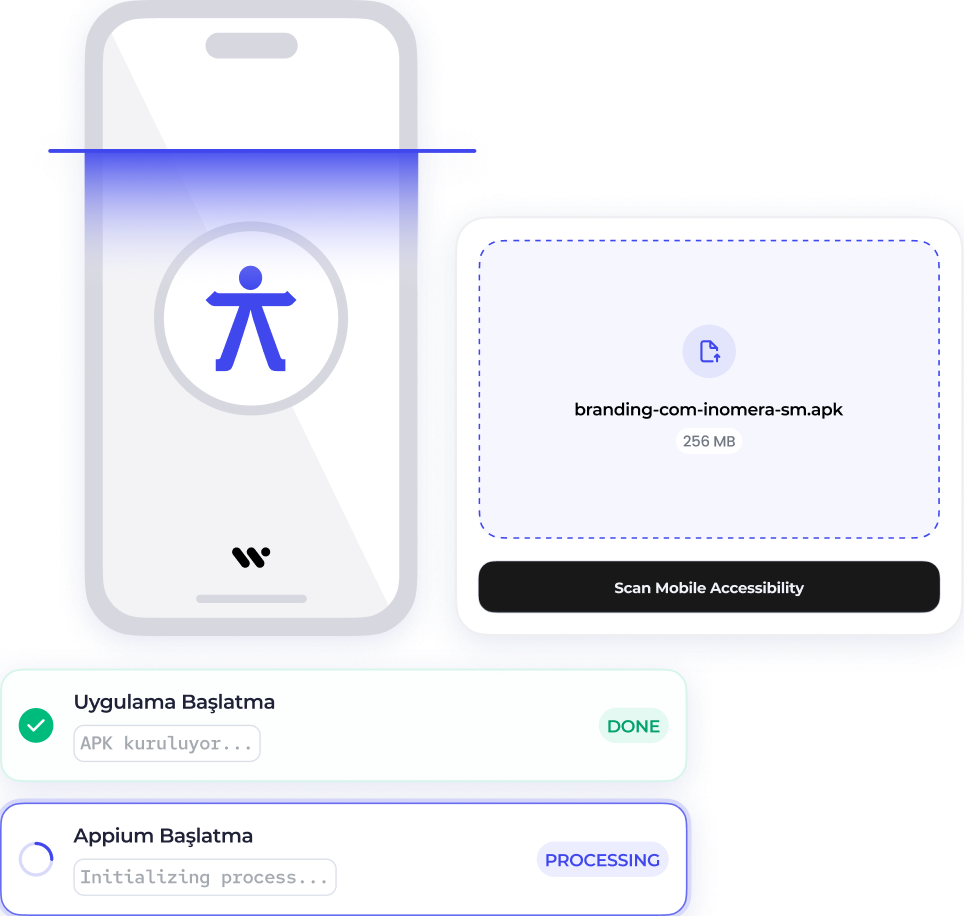
Click upload your APKMAXIMUM SIZE: 256 MB

    What Is Mobile Accessibility Testing?

    Mobile app accessibility testing is the process of evaluating a mobile application’s usability for all users, especially people with visual, auditory, motor, or cognitive impairments, to ensure it meets digital accessibility standards like WCAG, ADA, and Section 508.

    It verifies that an accessible mobile app works seamlessly with assistive technologies such as screen readers (VoiceOver, TalkBack), voice commands, and alternative input methods, and checks elements like readable content, clear navigation, and sufficient contrast.

    Mobile Testing

    Why Accessibility Testing Matters?

    People with Disabilities (1 B+)

    With about 15% of the world’s population living with some form of disability, or over 1 billion potential users, mobile accessibility testing is essential to avoid excluding a huge audience and ensure inclusive digital experiences. 

    Compliance (Legal & Ethical)

    Testing ensures apps meet standards such as WCAG, ADA, and other regulations, helping avoid lawsuits, fines, brand damage, and demonstrating ethical commitment to access for all users.

    Accessibility Barriers

    Studies show a majority of apps contain serious accessibility barriers (e.g., poor assistive technology support, inadequate contrast, small touch targets), which prevent users with impairments from fully using features and services.

    Standards & Legal Requirements

    WCAG 2.1 Level AA

    The Web Content Accessibility Guidelines developed by W3C/WAI are the internationally accepted technical standards for digital accessibility, requiring apps and content to be perceivable, operable, understandable, and robust for users with disabilities; many laws use WCAG 2.1 AA as the benchmark for compliance.

    W3C/WAI

    The World Wide Web Consortium’s Web Accessibility Initiative (WAI) creates and maintains standards like WCAG, WAI-ARIA, and guidance for applying accessibility criteria to mobile and digital platforms globally.

    ADA (Americans with Disabilities Act)

    In the U.S., ADA Title II/III interpretations require digital products including mobile apps to be accessible under standards like WCAG 2.1 Level AA, particularly for government services and public accommodations.

    Section 508

    U.S. federal law mandating that electronic and information technology (including apps and software used by federal agencies) be accessible, often aligning with WCAG criteria to ensure usable content for people with disabilities.

    European Accessibility Act (EAA)

    A comprehensive EU directive that sets minimum accessibility requirements for digital products and services (including mobile apps) across Member States to reduce barriers and harmonize the internal market; enforcement began in 2025.

    AODA (Accessibility for Ontarians with Disabilities Act)

    Ontario’s law aiming for full accessibility by 2025, requiring organizations to make digital platforms (websites, mobile apps) accessible and to adhere to established accessibility standards like WCAG. 

    How to Test Mobile App Accessibility?

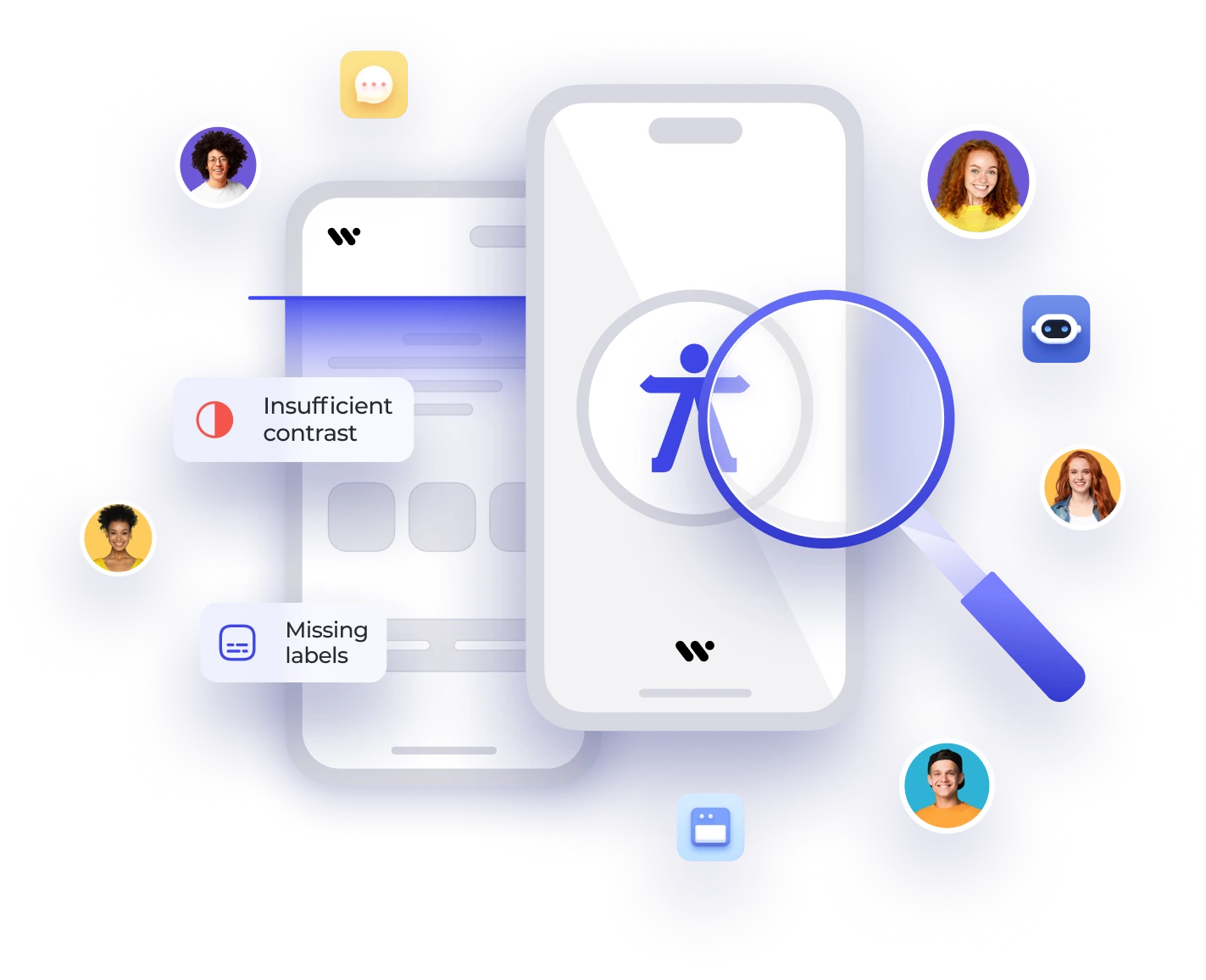
    Automated testing uses software-based tools to scan a mobile application for common accessibility barriers such as missing labels, insufficient color contrast, improper focus order, and non-compliant touch target sizes. These tools function as an accessibility scanner, automatically detecting violations of WCAG 2.1 Level AA criteria and generating structured reports for developers to fix issues early in the development lifecycle.

    Built-in platform features like an accessibility inspector allow teams to review UI elements, validate semantic roles, check screen reader compatibility, and analyze dynamic text scaling support. While automated solutions efficiently identify repetitive and code-level issues, they should be combined with manual testing to ensure full mobile accessibility testing coverage and compliance.

    Mobile Testing

    Why Accessibility Testing Matters?

    Mobile Accessibility Checklist

    A practical list of key criteria to evaluate accessibility in your app and ensure an inclusive user experience.

    Color Contrast (4.5:1)

    Ensure text and interface elements meet a minimum contrast ratio of 4.5:1 so content remains readable for users with visual impairments.

    Touch Targets (44×44 px)

    Design interactive elements with sufficient size (at least 44×44 px) so users with motor challenges can easily tap controls.

    Focus Order

    Confirm that the navigation order follows a logical sequence, especially for users relying on keyboard or screen reader navigation.

    Alt Text

    Provide descriptive alternative text for all non-text content like icons and images so assistive technologies can convey meaning.

    Mobile Accessibility Testing Tools

    • Mobile Accessibility Testing Tools are specialized software used to evaluate mobile applications for compliance with accessibility standards and to identify barriers that affect users with disabilities.
    • Many tools provide automated scanning of app screens to detect common issues like missing labels, poor focus order, and inadequate touch targets.
    Mobile Testing